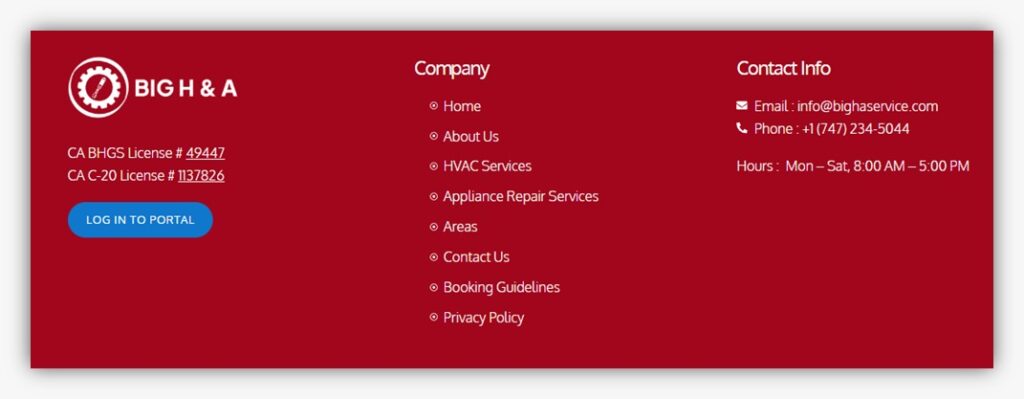
Scroll down the page until you see the blue-highlighted button labeled “Login to Portal.” This button is clearly marked to help you access your account. Once you locate it, simply click on it to proceed to the next step.
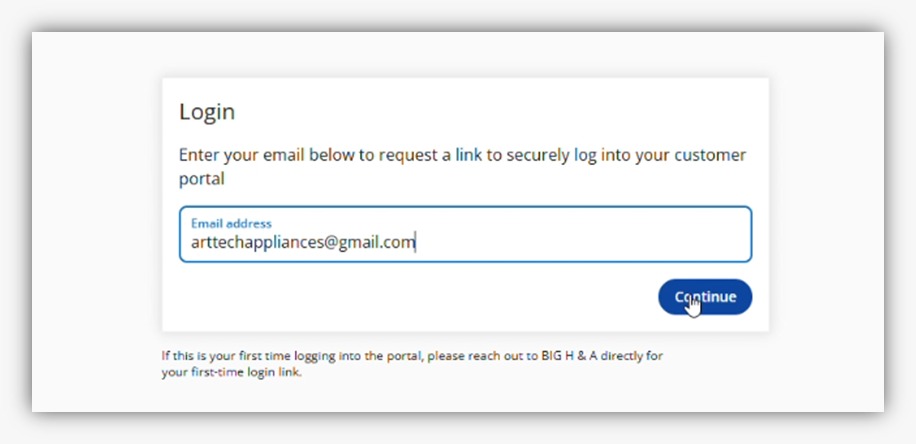
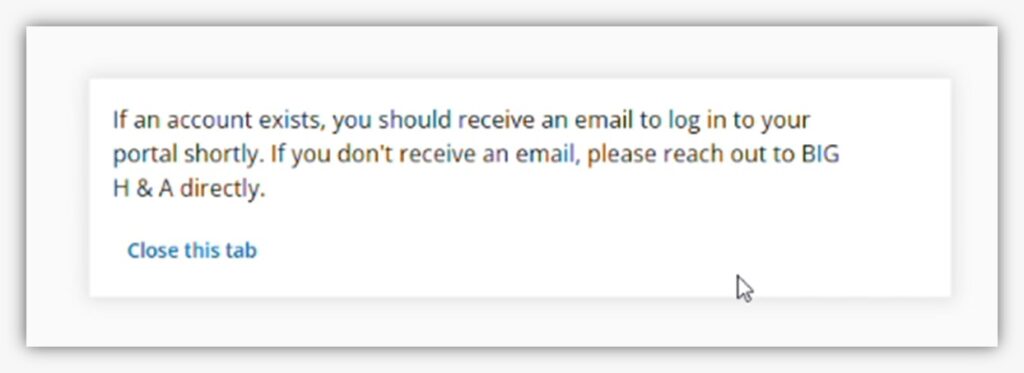
After clicking the button, a new page will open where you’ll be prompted to enter your login details. Enter your registered email in the required fields, then continue to securely access your account and manage your appointments or view previous invoices. Note: If this is your first time accessing the portal, you will need a secure login link provided by BIG H & A. Please contact our team directly to request your first-time login credentials. Once you receive your login link, follow the instructions provided to set up your account and gain access to the portal.
Clicking this will take you to the new page, where you need to enter your zip code.Then click on Verify Zip Code at the bottom of the page.
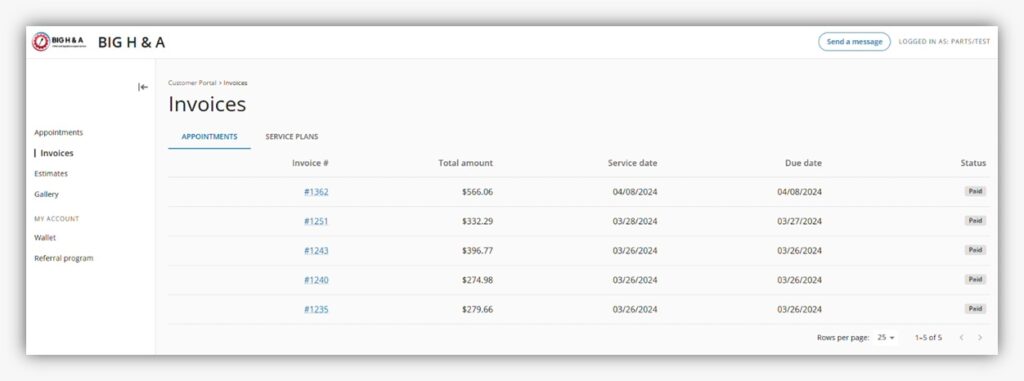
Once logged in, you will be able to view all your appointments along with important details such as invoice numbers, payment status, amounts, service dates, and more. This dashboard gives you a clear and organized overview of your account activity.
If you experience any issues while logging in or have questions about our services, please contact us at info@bighaservice.com. Our team will be happy to assist you.